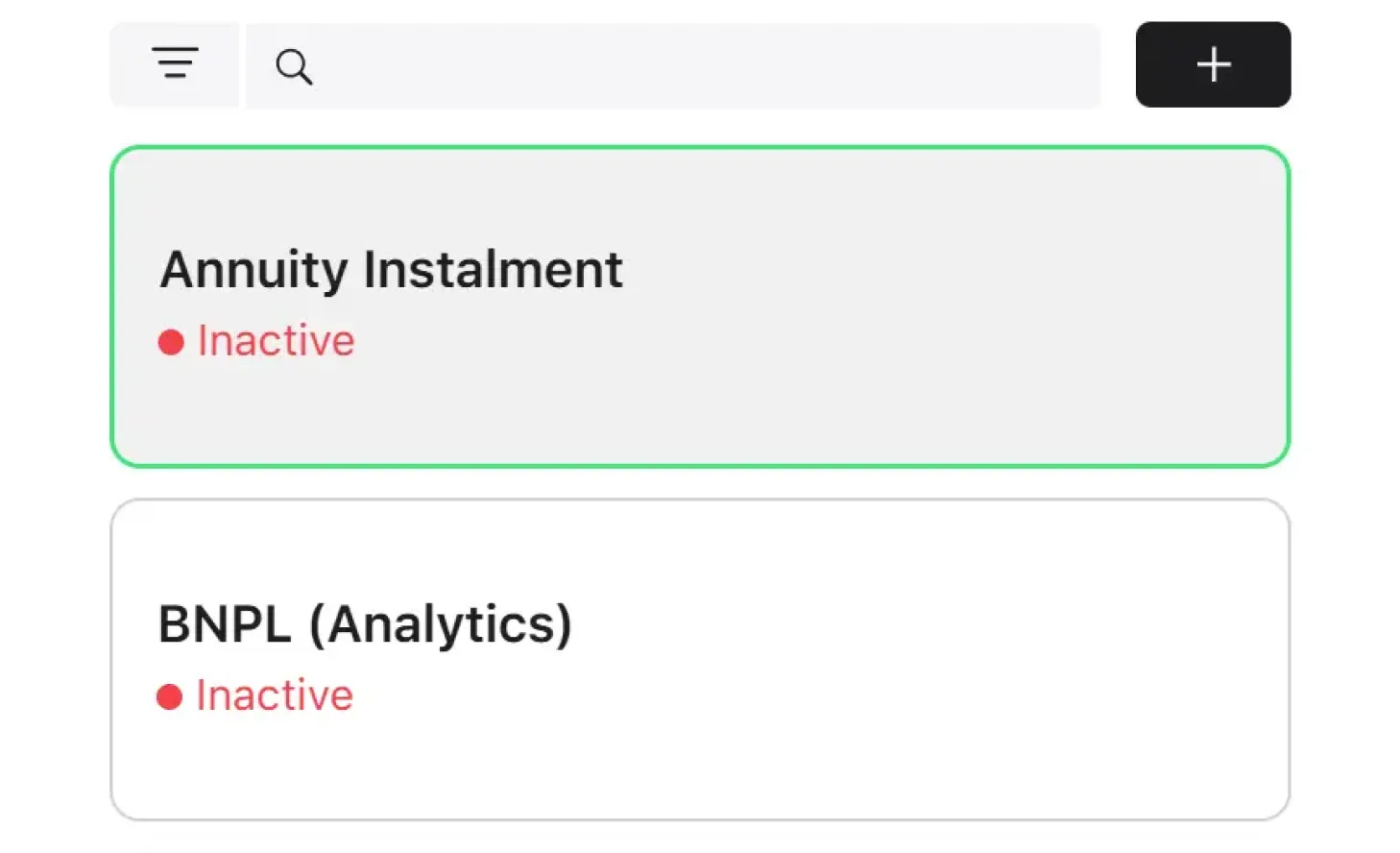
The screen displays a list of all product groups in the system. It is available to users with the Credit Officer, Underwriter and Collection Manager roles.
Table columns
Column
Description
Name
Product group name (serves as a link to the group card)
Status
Product group status (Active / Inactive)
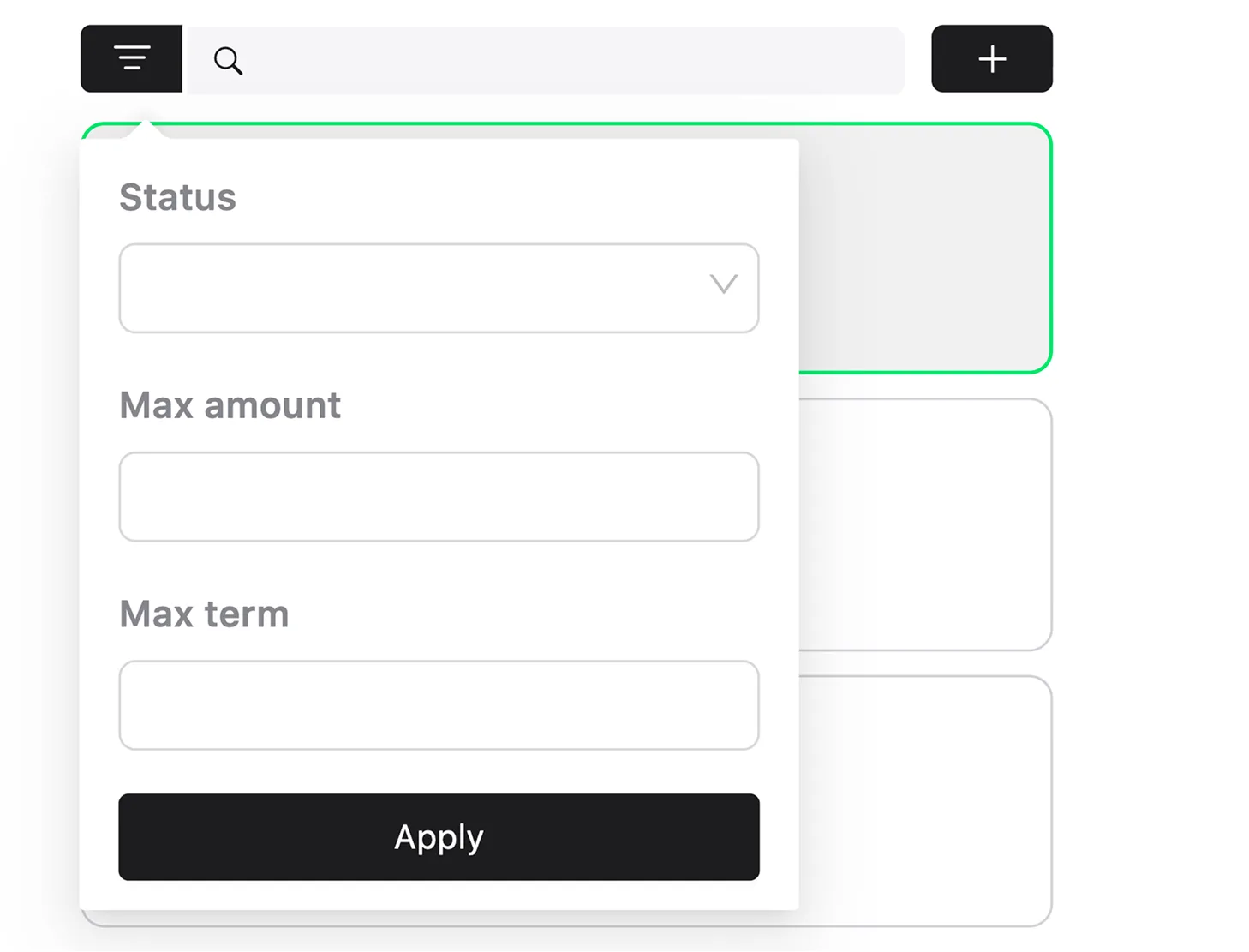
Filters
Filter
Description
Type
Search
Search by group name
Text field
Status
Filter by group status (active, inactive)
Yes/No
Amount
Filter by amount (finds products whose amount range includes the specified value)
Number
Term
Filter by term (finds products whose term range includes the specified value)
Number
Sorting and actions
Default sorting: by product name in alphabetical order.
Pagination is supported.
Available actions: navigate to the product group card (click on a row).