Invite an agent user
This process gives a real person their first login to the Agent Portal on behalf of an agent organization.
Who can do it. Partner Manager role.
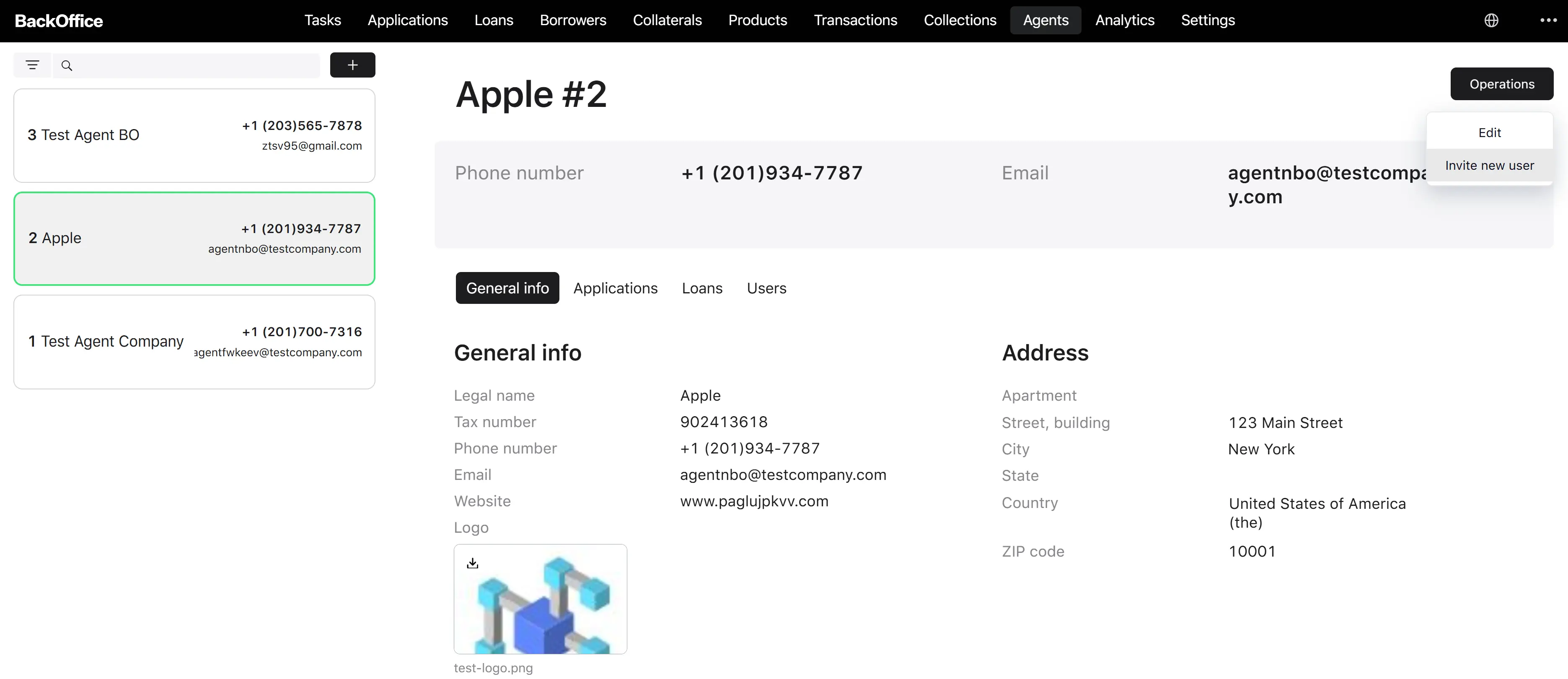
Where it starts. The Invite user action in the menu on the agent detail page.
Step 1. Open the invitation form
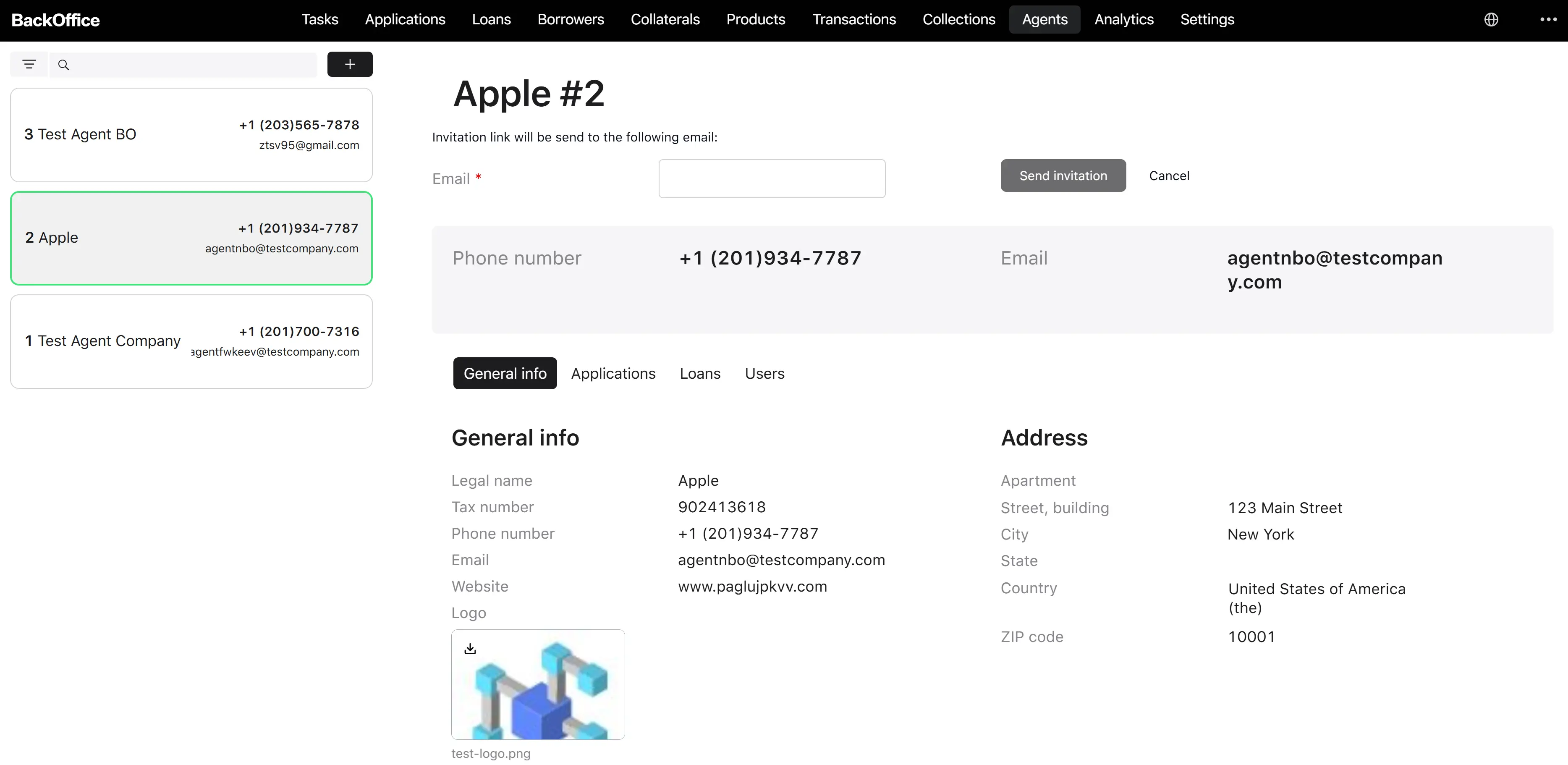
The user clicks Invite new user on the agent detail page. The system opens the Invite agent’s user form, displaying the agent’s legal name and ID at the top.
Step 2. Enter the new user’s email
The user fills the Email field. This email becomes the future agent user’s username.
| Parameter | Description | Type | Required | Notes |
|---|---|---|---|---|
| Email of the person to invite | Yes | Up to 132 characters; lowercased; must match a standard email pattern |
Step 3. Send the invitation
The user clicks Send invitation. The system runs the invitation process automatically:
- Generates a temporary password.
-
Checks whether a user with this email already exists in the security system:
- If no, the system creates a new user account linked to the agent and sets the temporary password.
- If yes, the system updates the existing user’s temporary password and signals any previously running invitation for that user to terminate (so only one active invitation exists at a time).
- Sends an invitation email to the entered address containing the credentials.
-
Checks whether the agent already has bank account details on file:
- If yes, the invitation process completes here.
- If no, the system assigns a task to the newly invited agent user titled “Fill bank account details” (visible in the Agent Portal’s Tasks list as soon as the user logs in).
Step 4. The invited user fills in bank account details (if required)
After logging in for the first time, the invited user opens the task and fills in the bank account form (bank name, account number). Upon confirmation, the system saves the bank account to the agent record, and the invitation is complete.
Result. The invited person can log in to the Agent Portal with the credentials from the invitation email and start working on behalf of the agent. The agent now has the bank account information required to participate in loan disbursement.
The user can also click Cancel on the invitation form to abort before sending.