Editing an agent
Who can do it. Partner Manager role.
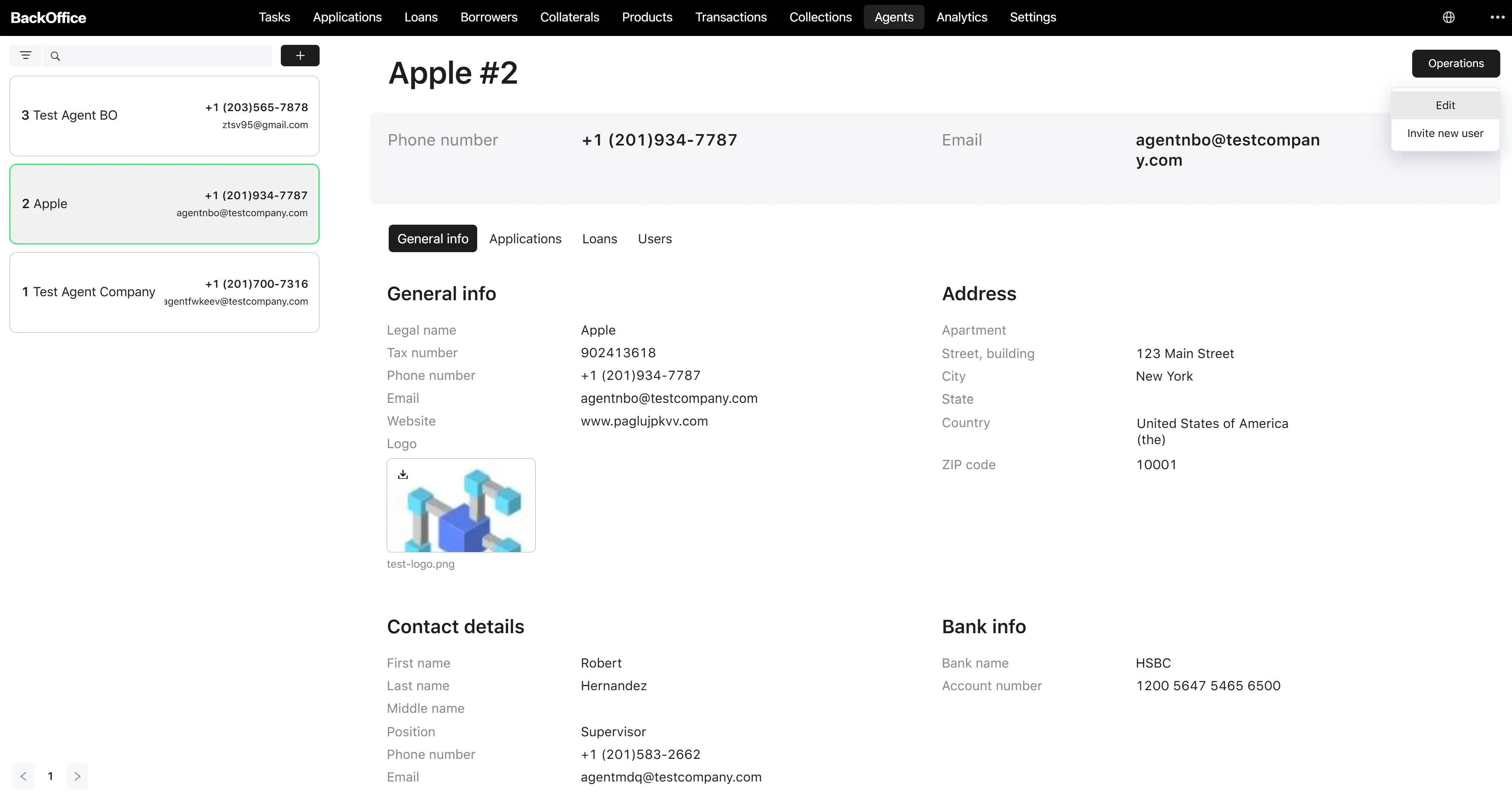
Where it starts. The Edit button in the actions menu on the agent detail page.
Step 1. Open the edit form
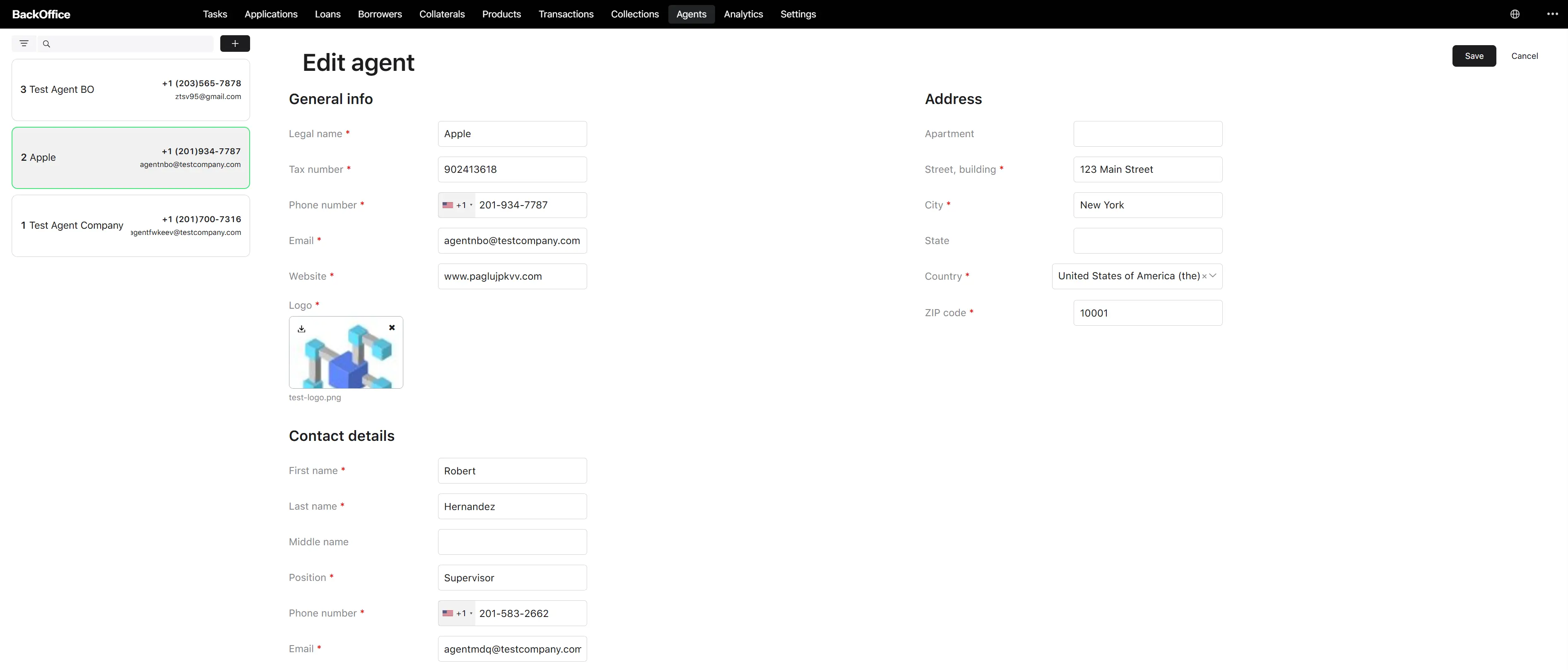
The user clicks Edit on the agent detail page. The system opens the Edit agent form pre-filled with the current values.
Step 2. Change any of the editable parameters
All fields visible on the create form are editable here, with the same validation rules:
- Legal name, tax number, phone, email, website, logo
- Full address
- Contact details
- Bank info (bank name, account number) — once present, can be edited here at any time
Step 3. Save
The user clicks Save. The system:
- Validates every field, including the global uniqueness of the legal name and tax number (excluding the current agent’s own values).
- Persists with the changes.
- Returns the user to the agent detail page with the updated information.
The user can also click Cancel to discard the changes.