Interest rate setting
The Interest rate setting holds the prime rate—a single, system-wide percentage that the platform uses as the base for every floating-rate product. Each interest rate record contains:
- Prime rate, %—the new prime rate value (between 0 and 999, with decimals).
- Effective date—the date on which the new rate becomes active.
Note
Setting dependencies
Depends on: nothing inside the platform. Credit officers set a new prime rate based on regulatory decisions, central bank announcements, or internal pricing policies.
Affects:
- All product groups marked as floating-rate, and through them, all loan products inside those product groups. When a new prime rate becomes effective, the system propagates the change to every floating-rate product group and product in a single atomic update—there are no partial updates.
- Fixed-rate product groups are never affected by a change in the prime rate.
- Existing active loans with a floating rate will have their rate adjusted on the effective date based on their margin.
How to view
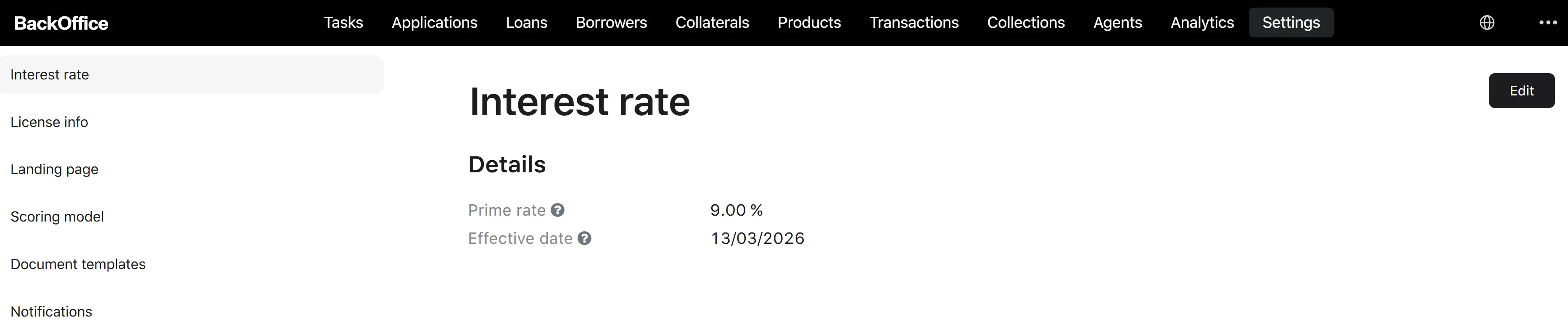
The Interest rate settings screen shows the details panel with the current and most recent scheduled prime rates. Roles allowed: Verifier, Underwriter, Credit Officer, Collection Manager.
Edit process
Only Credit Officers can edit the interest rate.
Step 1. Open the edit form
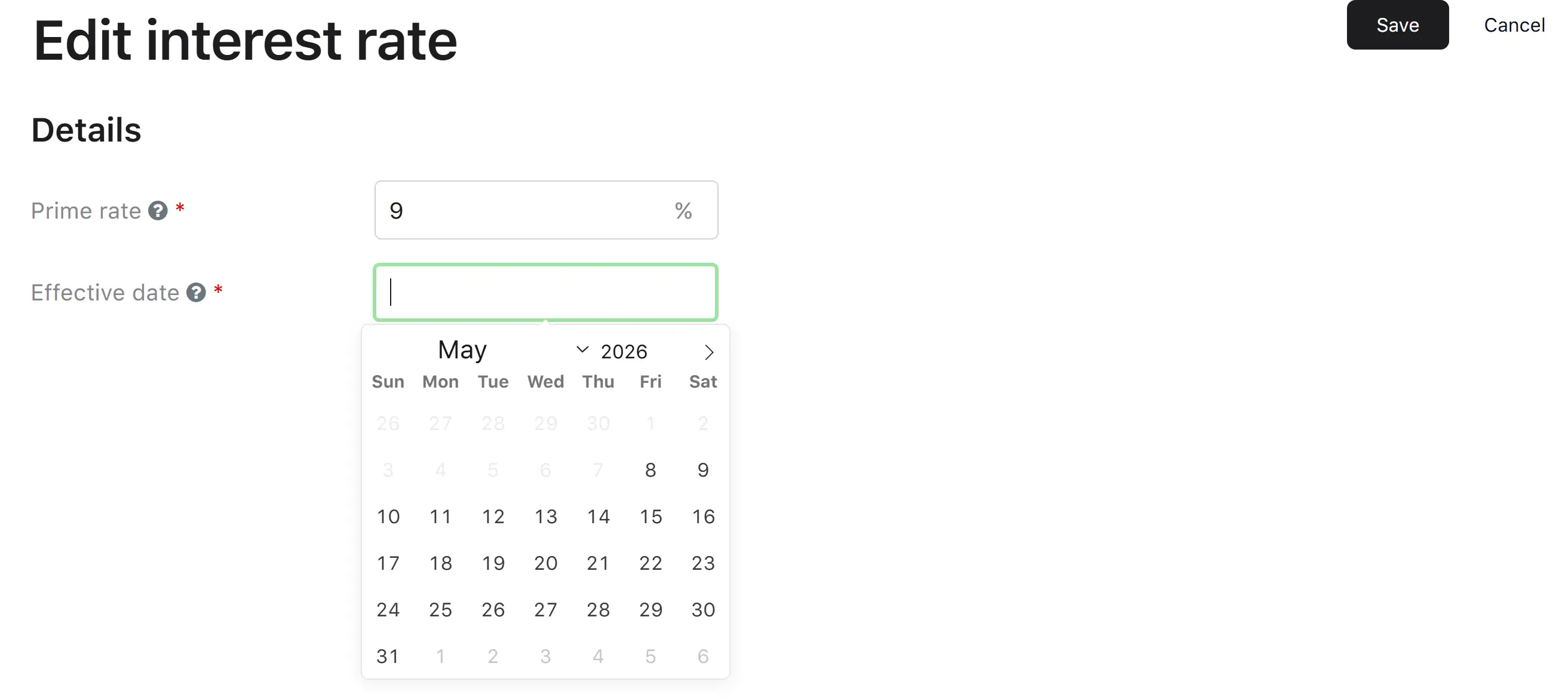
From the Interest rate settings page, the user clicks Edit. → The system opens “Edit interest rate settings” prefilled with the latest rate and the effective date.
Step 2. Enter the new rate
| Field | Required | Notes |
|---|---|---|
| Prime rate, % | Yes | Numeric, between 0 and 999. The new prime rate. |
| Effective date | Yes | Calendar date. Cannot be today or in the past—the picker disables today and earlier dates. |
Step 3. Save
The user clicks Save.
Step 4. System processes the change
The system runs the following checks and outcomes:
- No changes—if the new rate equals the current rate for the same effective date, the system finishes silently with “No changes to update”.
-
Otherwise—the system:
- Cancels any previously scheduled prime-rate change that has not yet taken effect.
- Saves the new interest rate record with its effective date.
- Waits until the effective date begins.
- On the effective date, propagates the new rate to all floating-rate product groups and products in a single atomic operation.
- Marks the change as completed.
A scheduled change can be canceled by triggering the cancellation signal before the effective date—the pending record is removed, and the previous prime rate continues to apply.
Clicking Cancel during edit closes the form and returns to the settings page without saving.