Product list and filters
Screen purpose
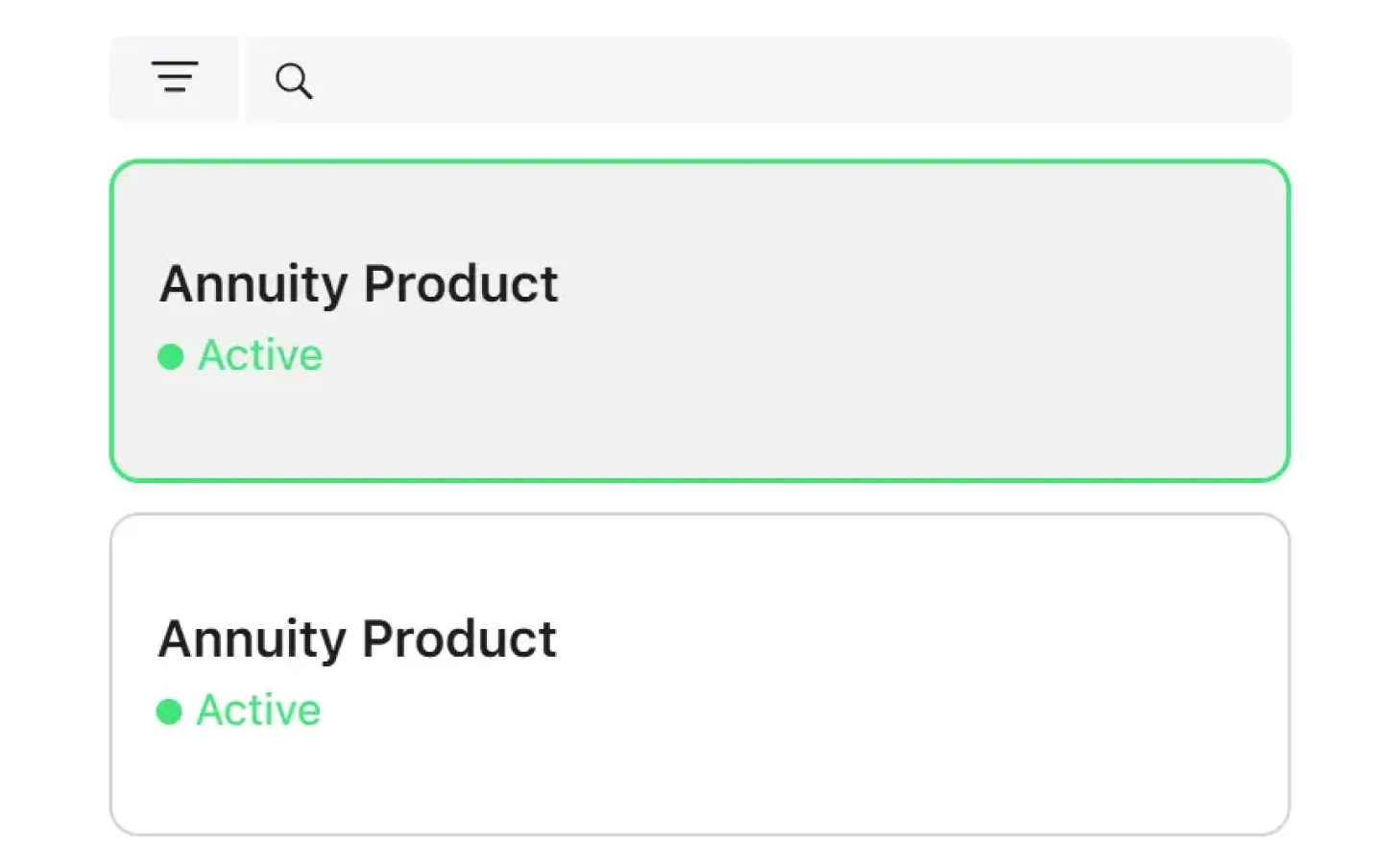
The screen displays a list of all products in the system. It is available to users with the Credit Officer, Underwriter and Collection Manager roles.
Table columns
| Column |
Description |
| Product name |
Product name (serves as a link to the product card) |
| Status |
Product status (Active / Inactive) |
Filters
| Filter |
Description |
Type |
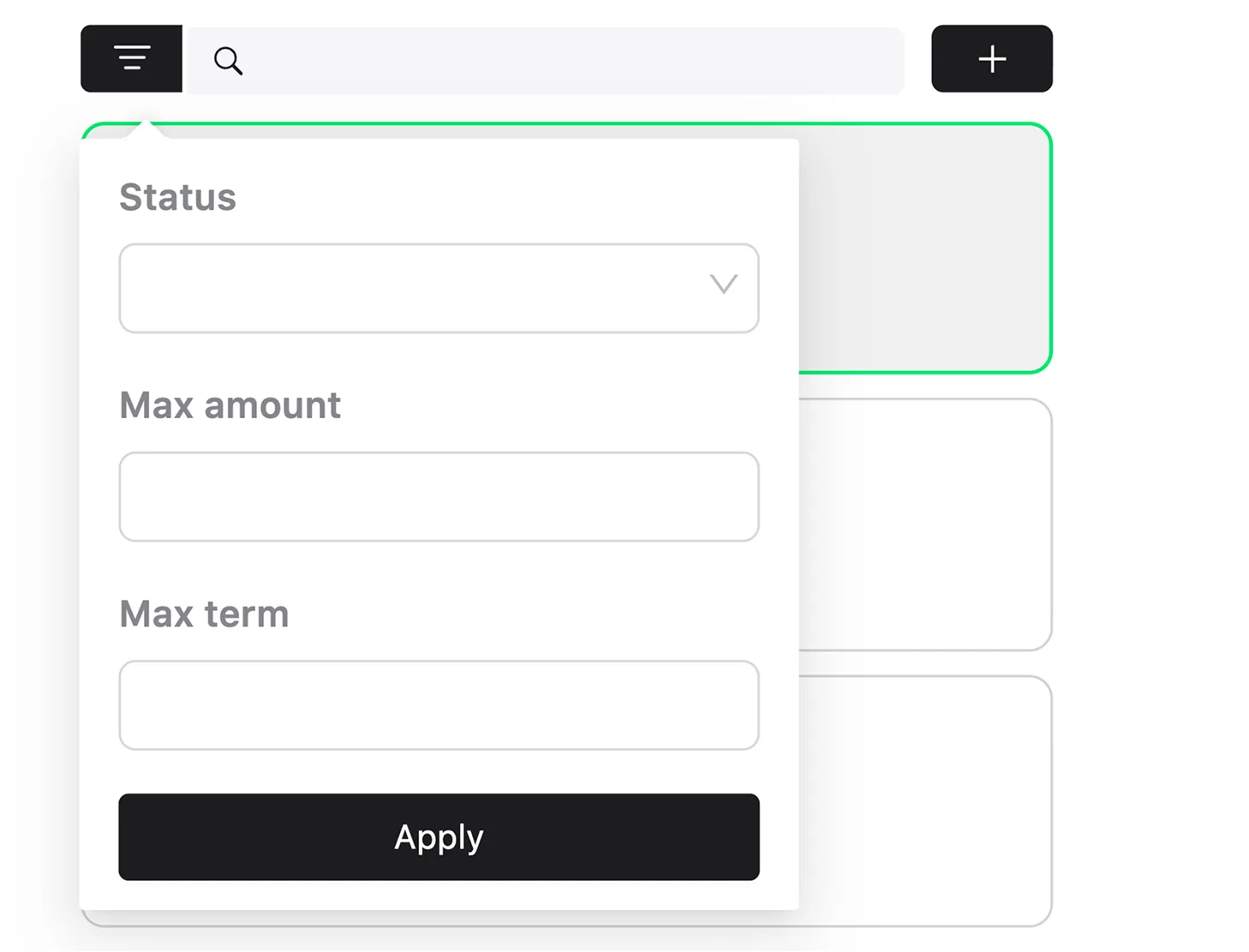
| Search |
Search by product name |
Text field |
| Status |
Filter by status (active, inactive) |
Yes/No |
| Amount |
Filter by amount (finds products whose amount range includes the specified value) |
Number |
| Term |
Filter by term (finds products whose term range includes the specified value) |
Number |
Sorting and actions
- Default sorting: by product name in alphabetical order.
- Pagination is supported.
- Available actions: navigate to the product card (click on a row).
