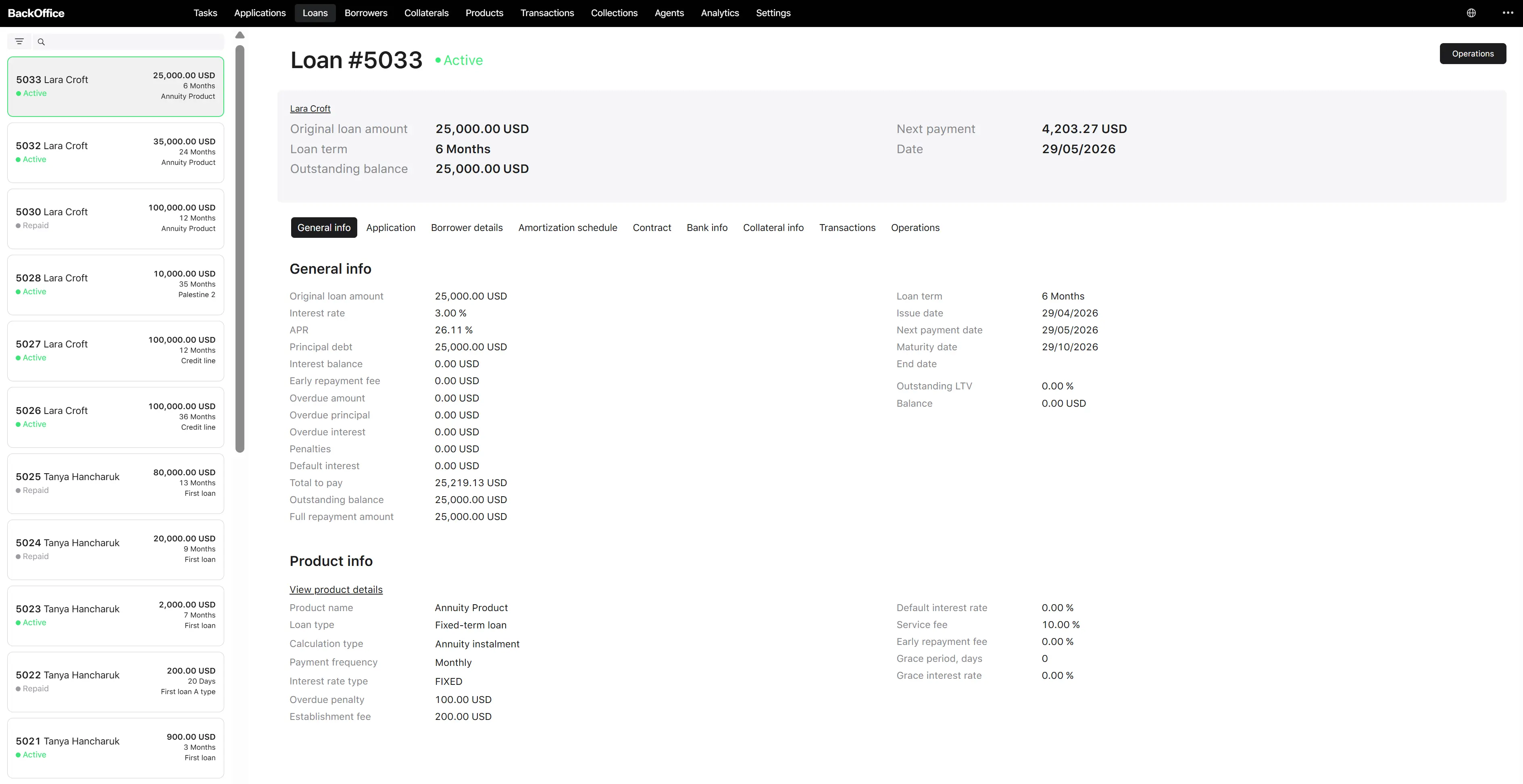
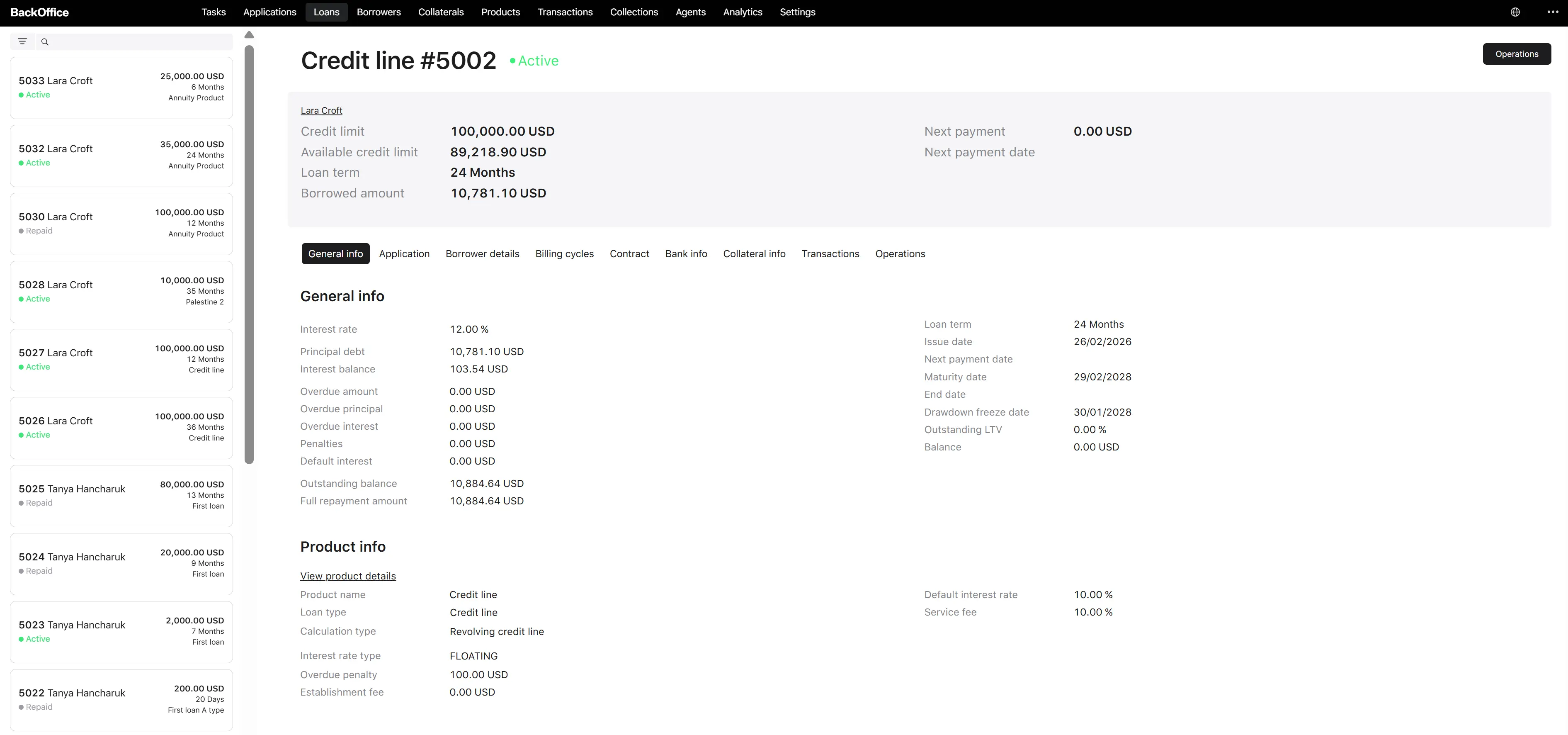
Loan list and filters
Loans of both types live in a single Back Office module — “Loans” — with a unified list view. Differences between fixed-term loans and credit lines are displayed on the loan detail page rather than in the list itself.
Available to Back Office users with one of the following roles: Underwriter, Credit Officer, Collection Manager. Other portals (Borrower, Agent) have their own scoped list showing only loans the user owns or services.
Columns (list view, brief mode)
The list shows summary information: loan number, borrower (full name from the linked application), loan product, status, loan amount, and loan term.

Filters
The list supports these filters:
| Filter | Type | Values |
|---|---|---|
| Search | Text input | Free text. Matches on loan number, borrower full name, phone, email |
| Statuses | Multi-select | Active, Overdue, Repaid, Closed, Written Off, Processing, Error (and the transitional Pending for fixed-term loans before activation) |
| Loan types | Multi-select | Fixed-term loan, Credit line |
| Issue date from | Date | Lower bound of the issue date range |
| Issue date to | Date | Upper bound of the issue date range |

Sorting and actions
- Default sorting: by created date, descending — newest loan first.
- Pagination is supported.
- Available actions: navigate to the loan/credit line card (click on a row).
What differs between loan types
Although the list is unified, the detail page adapts:
- The fixed-term loan detail shows the amortization schedule (planned and actual), per-period interest and principal amounts, and the maturity date.
- Credit line details include the credit limit, available credit limit, frozen credit limit, current open billing cycle, drawdown freeze date, and a list of drawdowns.
Operations available also differ by loan type — see the operation pages that follow (Write-off, Register payment, Waive fees, Adjust loan).