Re-invite an agent user
Reinvite is used when the previously sent invitation needs to be reissued — for example, the recipient lost the email, the temporary password expired, or the previous invitation was never completed.
Who can do it. Partner Manager role.
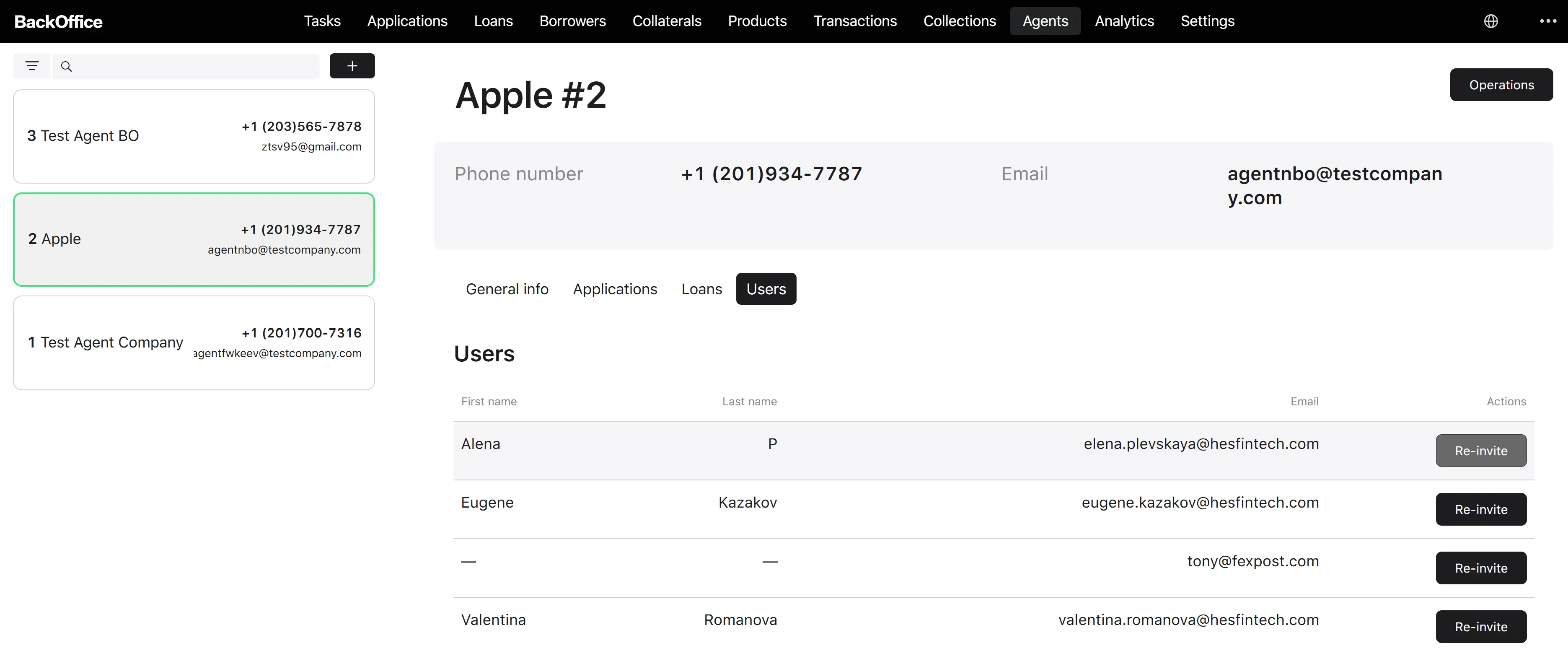
Where it starts. The re-invite action on the user row inside the Users tab on the agent detail page.
Step 1. Open the re-invite form
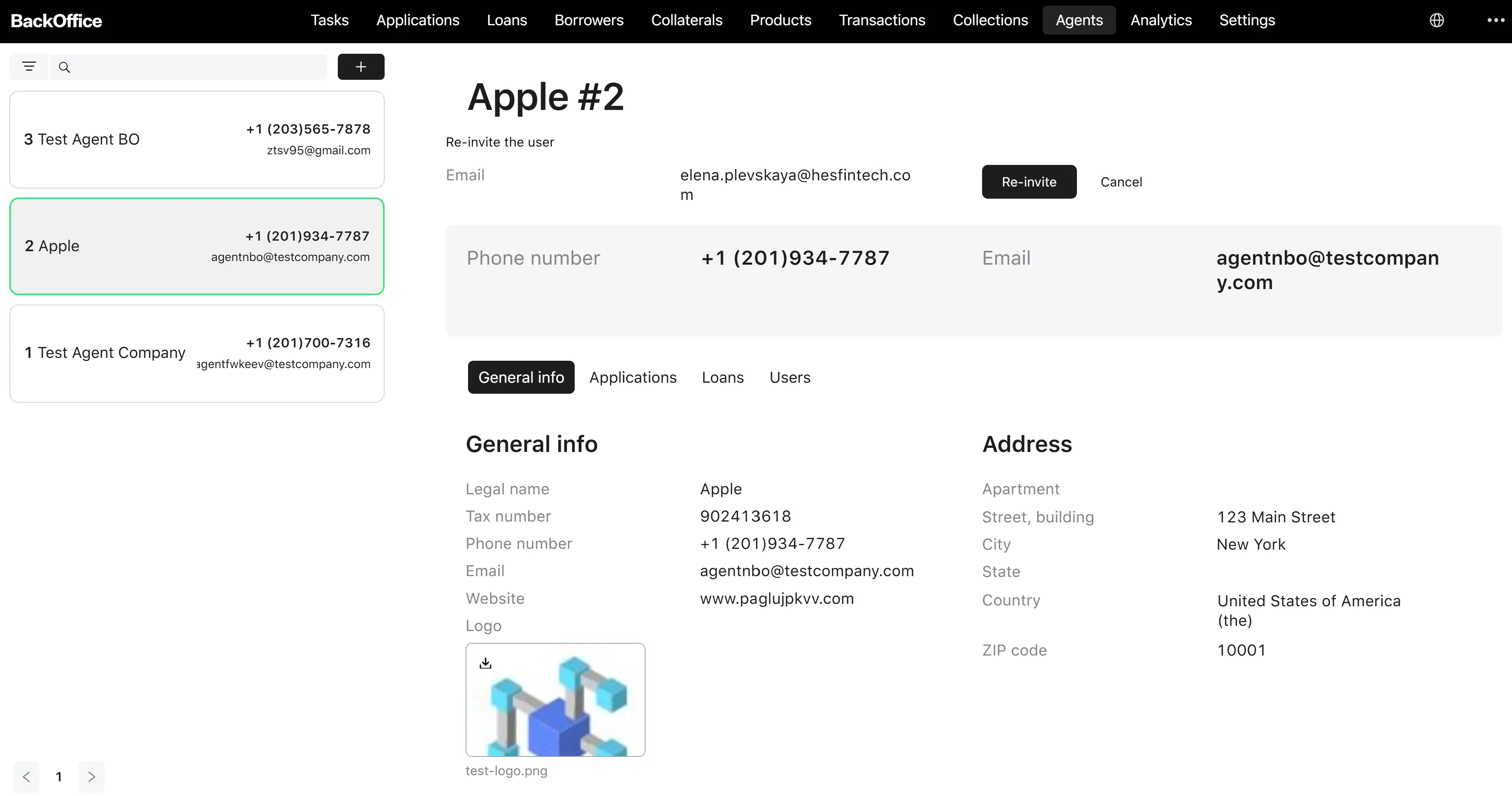
The system opens the Re-invite agent’s user form. The user’s email is already filled in and cannot be changed (the email field is read-only on this form).
Step 2. Send the new invitation
The user clicks Send invitation. The system runs the same invitation flow as a fresh invite (generate a new temporary password, update or create the security account, send a new invitation email, ask for bank account details if missing). Any previously running invitation for the same person is automatically interrupted, so the new credentials are the only valid ones.
Result. The recipient gets a new invitation email with new credentials and can log in again. Previous credentials and any in-progress earlier invitations are no longer valid.
The user can click Cancel to abort.